The Advanced Menu Manager for WordPress plugin helps you manage complex WordPress navigation menus more efficiently.
When your website has many pages or posts, managing menus becomes time-consuming. Adding new items, searching for pages, or reorganizing menu items can take extra effort.
This plugin provides a simplified interface to view, search, manage, and organize menu items more effectively.
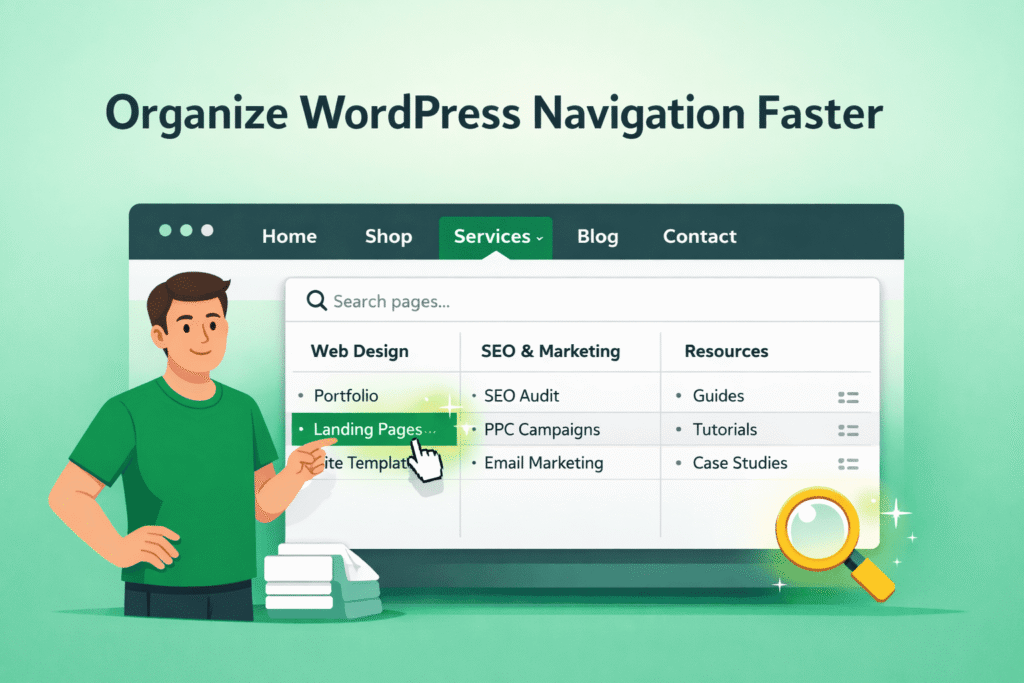
What This Plugin Does
Advance Menu Manager allows you to:
- View pages and posts while managing menus
- Add and edit pages directly from the menu screen
- Search pages/posts easily when you have large amounts of content
- See detailed information like page ID, slug, author, and template
- Filter pages/posts that are already added to the menu
This helps improve productivity when working with content-heavy websites.
Manage Menus More Efficiently
Instead of switching between different WordPress screens, you can:
- Create new pages without leaving the Add Menu Item screen
- Edit full page or post content from the menu panel
- View page/post attributes directly
- Quickly locate content using the search feature
Pro Version Features
The Pro version includes additional advanced features:
Menu Revisions
- Track every change made to your menu
- Compare the current menu with previous versions
- Restore the entire menu from stored revisions
This helps you revert changes if a mistake is made.
Shortcode Support
- Display your menu anywhere using a shortcode
- Copy and paste the shortcode into any page or post
The selected menu will appear at that location.
Menu Lock Functionality
- Lock specific menus to restrict editing
- Allow only selected users to modify the main navigation
This is useful for sites with multiple admin users.
How to Test This Demo
Use the menu links above to:
- View and manage pages from the menu screen
- Test search functionality
- Edit pages directly from the menu interface
- Explore revision and locking features (Pro)

 14 DAYS MONEY BACK GUARANTEE
